01What is an MCP server?
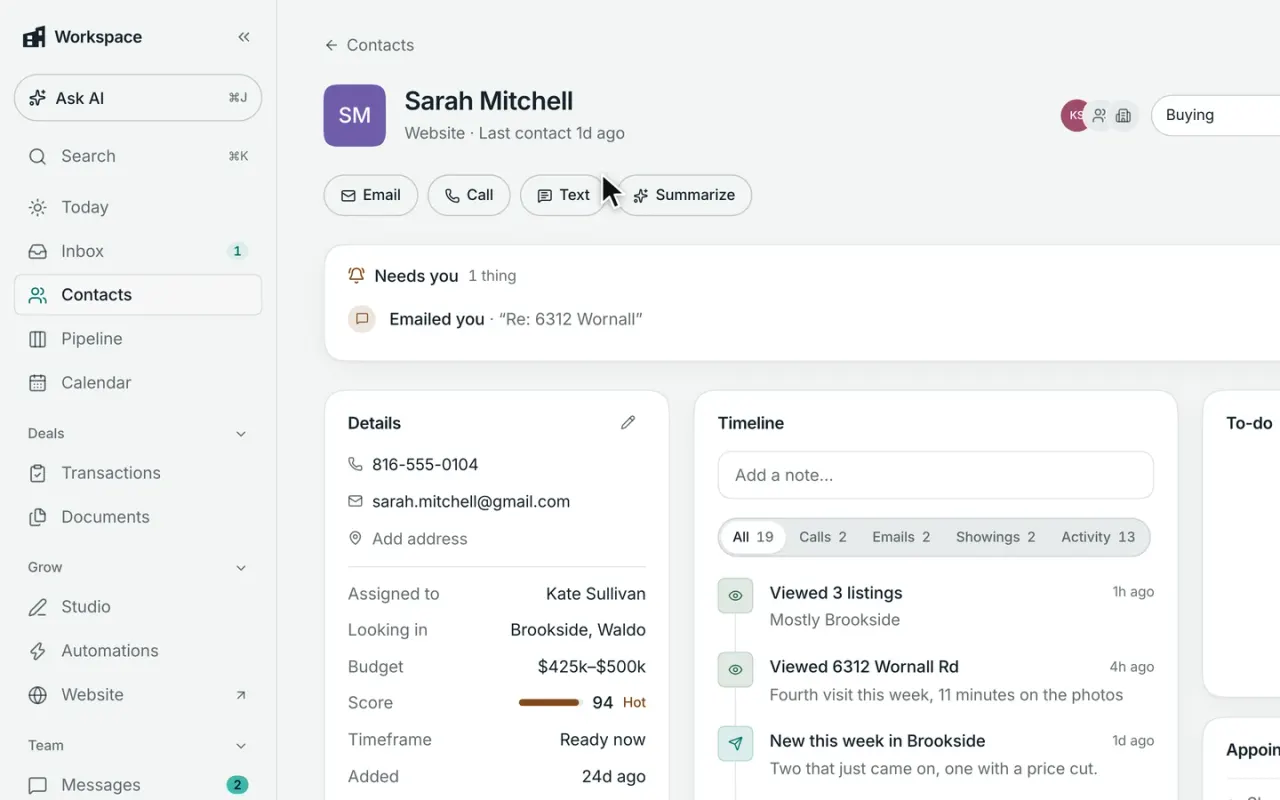
MCP is a standard that lets compatible AI tools connect securely to other software. Broker & Agent’s MCP connection lets tools like Claude and ChatGPT work with the information in your Workspace—such as contacts, tasks, calendar, deals, and reports—and take approved actions like adding notes, tasks, leads, or appointments.
You decide what the connection is allowed to access and do.
02Can I connect Broker & Agent to ChatGPT?
Yes, if your ChatGPT plan supports custom MCP apps. Connect Broker & Agent, sign in to your account, and choose the access you want to allow. Once connected, ChatGPT can answer questions using your Workspace data and use the actions you’ve approved.
Setup and available actions depend on your ChatGPT plan, so our setup guide always has the current steps.
03Does Broker & Agent work with Claude?
Yes. You can connect Broker & Agent to Claude and let it work with the Workspace information and actions you approve. Once connected, ask Claude about your leads, clients, calendar, deals, tasks, and reports—or use it to add notes, create tasks, and schedule appointments.
For team and enterprise accounts, your organization’s Claude settings may determine how the connection is enabled.
04Which Workspace plan do I need?
Any Workspace plan works, including Workspace Free. Broker & Agent doesn’t charge extra to connect a compatible AI tool.
You bring your own Claude, ChatGPT, or other AI account. Whether that service supports custom MCP connections depends on the plan you have with them.
05Can a connected AI text or email my clients?
Not directly. Connected AI tools can read the conversations you already have in Workspace, but they can’t write or send texts or emails to your clients.
If you explicitly allow it, they can start one of your existing follow-up automations. From there, the automation follows the same messaging and approval rules you’ve already set in Workspace.
06Can it see my teammates’ clients?
Only if you can. Connected AI tools follow the same Workspace permissions and sharing rules as your account, so they can’t see contacts, deals, or conversations that are private to someone else.
If your team uses shared visibility, the AI can work with the records you normally have access to. If those records are private, they stay private.
07Is my Workspace data used to train AI models?
A connected AI tool only receives the Workspace information returned for the requests you make and the permissions you’ve approved. Your entire Workspace isn’t simply handed over to the AI provider.
How Claude, ChatGPT, or another AI service stores or uses that information—including whether it may be used for model training—depends on your account, plan, and privacy settings with that provider.
08Can I disconnect a connected AI tool?
Yes. You can remove a connection at any time, and the AI tool immediately loses access to Workspace. Owners and admins can also review connected tools across the organization and remove them when needed.
09How is this different from the AI assistant built into Workspace?
The MCP connection lets Claude, ChatGPT, or another compatible AI tool work with your Workspace data from the AI you already use, and it’s available on every Workspace plan.
Workspace Pro adds an AI assistant built directly into the CRM, with deeper native features like drafting messages in your voice, answering from your documents, reviewing contracts and files, and adding AI to your automations.
Think of it this way: MCP brings Workspace to your AI. Pro puts AI inside Workspace.
10Do I need to be technical to set it up?
No. The connection only takes a few steps: add Broker & Agent to your AI tool, sign in, and approve the access you want to allow. Most people can be up and running in just a few minutes.