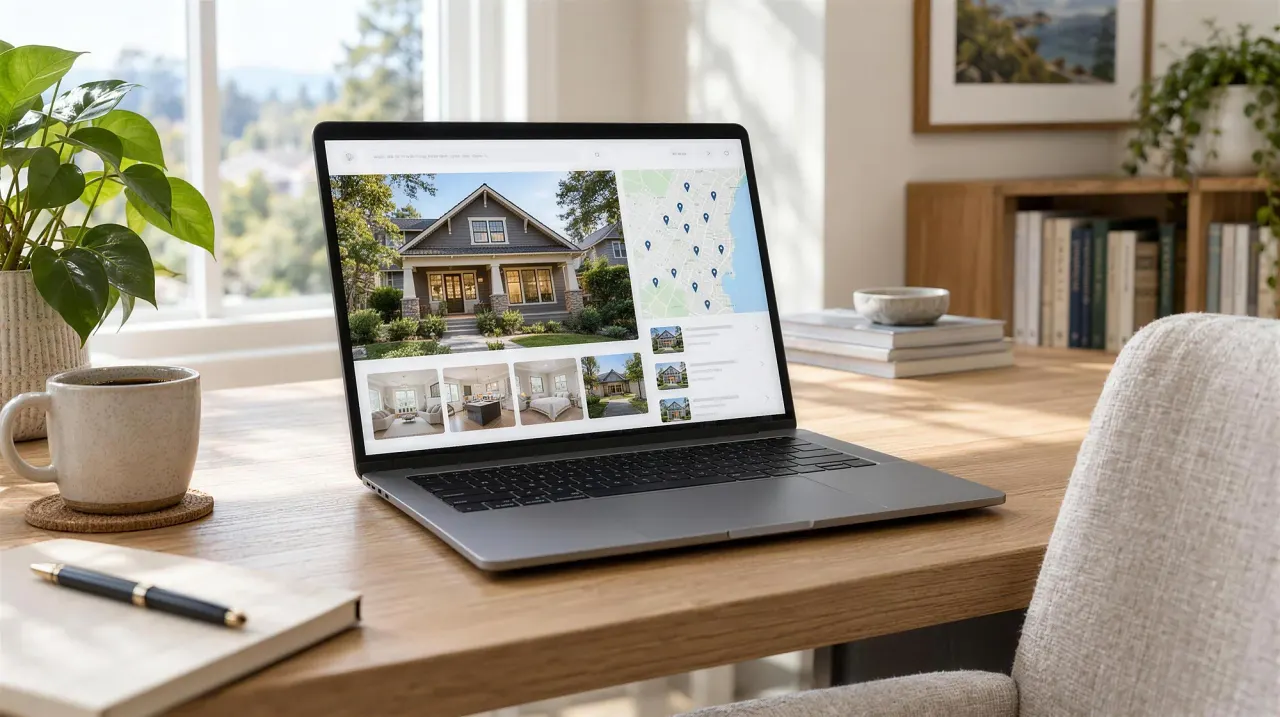
Most agent websites are brochures: turn them off and nothing about the business changes. An IDX website that earns its keep does three jobs. It catches local search with area and listing pages, it records what buyers do (searches, saves, return visits), and it hands that to your CRM so follow-up starts on its own. You can test your own site against those three jobs in
Most agent websites fail the same quiet test: turn them off, and nothing about the business changes. Leads still come from the portals, follow-up still lives in a phone, and the site’s real job was to exist when someone
That’s a brochure. It’s fine, but it’s not
This guide covers what a working IDX website does instead, what it should record about visitors, how to test the site you have now, and what to ask a vendor before you pay
What’s the difference between a brochure site and an infrastructure site?
A brochure site describes you. An infrastructure site is part of how leads arrive, get answered and get followed up, so switching it off
The brochure version usually has a homepage about the agent, an about page, a contact form and an IDX search embedded from a vendor. It looks professional. It ranks for the agent’s name. When someone registers, an email lands in an
The infrastructure version has the same pages and more of them: a page for every area you work, listing pages on your own domain, and search tools buyers come back to. The real difference is what happens behind the pages. Every registration becomes a contact in the CRM, every saved search and favorite is recorded against that contact, and the first reply goes out
| Brochure site | Infrastructure site | |
|---|---|---|
| What it ranks for | Your name | Your name, plus area, neighborhood and listing searches |
| Where IDX search lives | Often a vendor subdomain or iframe | Your own domain, one page per listing |
| What a registration triggers | An email to you | A CRM contact, a first reply and a task |
| What you know about a visitor | What they typed in the form | What they searched, saved and came back to |
| What happens if you turn it off | Very little | Lead flow and follow-up stop |
Why your website matters when buyers start on portals
Portals are where buyers browse, but your own site is the only place you can see them. The research
In NAR’s 2025 Profile of Home Buyers and Sellers, 46% of buyers said their first step was looking online for properties, and 52% found the home they bought on the internet. The same survey found 43% of buyers were referred to their agent by a friend, neighbor or relative, and 74% interviewed
Put those together. A referred buyer hears your name, looks you up, and judges from what they find whether you know the market. A buyer who registers on your site tells you, click by click, what they want. Neither of those happens on a portal in a way
Buyers were also clear about which features matter. In the same report, 81% rated photos very useful, 77% detailed property information and 57% floor plans. That describes good listing pages, and it’s the baseline rather than the thing that
The three jobs an IDX website should do
A working IDX site should capture local search, record buyer behavior, and feed the rest of your system. A site doing one of the three is a start. A site doing all
It captures search demand in your market. Area pages, neighborhood pages, and listing pages that load fast and carry real structured data can rank for the long-tail searches portals ignore: “homes near [park or landmark]”, “[neighborhood] townhomes under 600k”. Those searches are small individually and meaningful in aggregate. We’ve written separately about why most agent websites don’t rank for them, and
It generates behavioral signal. A visitor who saved a search, favorited two listings, and came back three times in a week is telling you something no form fill ever could. If your website doesn’t record that and hand it to your CRM, you’re throwing away the most honest data a buyer will
It feeds the rest of the machine. The website is the intake layer. Automation decides what happens in the first sixty seconds after a lead appears. The CRM decides what happens over the next sixty days. When those three are separate products from separate vendors, the seams are
What should the site record about each visitor?
Anything a buyer does that would change what you say to them. At a minimum: registrations, searches, saves, favorites and return visits, each attached
| Signal | What it usually means | What should happen |
|---|---|---|
| Registers on a listing page | Interest in a specific home | An instant reply about that home, then one question |
| Saves a search | A defined brief: area, price, bedrooms | Listing alerts from your site, criteria copied to the CRM |
| Favorites two or more listings | Narrowing down | A task to call, with those listings in front of you |
| Returns three times in a week | Active, possibly ready to tour | Moves up your call list for the day |
| Returns after months of silence | Back in the market | A personal message, not the next drip email |
| Requests a home value | Possible seller | A task to follow up with a real number |
On the sites we build, that record will land on the contact in Workspace’s lead tools when Workspace opens: visits and where they came from, the price range, areas and home types they’re likely looking for, the homes they viewed or saved, and whether they used
Listing alerts deserve their own mention. In the same NAR survey, 68% of buyers valued an agent who sends listings as soon as a property is listed, changes price or goes under contract. Alerts sent from your own site bring buyers back to your domain, which is where everything in the table above gets recorded. Alerts from a vendor’s portal bring them back
Testing the site you have now
Answer three questions from your own data, then run one live test. It takes about ten minutes and tells you which kind of
Open your analytics and your CRM
- How many leads did the site produce last month that didn’t already
know your name? - When a lead registers at 9pm, what happens in the next
five minutes, automatically? - Can you see, per contact, what they’ve looked at on your
site this week?
Then register on your own site from an email address you don’t normally use. Save a search, favorite a listing, and wait. Note how long the first reply takes, whether it mentions the home you looked at, and whether the save and the favorite show up on the new contact in your CRM. If the reply takes hours, it’s worth reading what the first five minutes after an inquiry are worth.
If the answers are “few, nothing, and no,” the website isn’t broken. It was just never built to be part
What should you ask a website vendor?
Ask where things live and where they go. Design is easy to judge in a demo. Plumbing isn’t, so ask
- Is the IDX search on my domain, with one page per listing,
or on yours? - How often does the listing feed refresh? MLS rules set a floor and good vendors go well past it; our plain-English guide to IDX
covers the rules. - Where do registrations, saved searches and favorites go, and can I see them
on the contact? - What happens in the first minute
after someone registers? - Can I add area pages myself, or is each one
a paid request? - If I leave, what do I keep: the domain, the
contacts, the content? - What does the first year cost, including setup and add-ons? Our 2026 breakdown of agent website costs has published prices
to compare against.
A vendor who answers all seven clearly, in writing, is selling infrastructure. A vendor who steers every answer back to the design is selling a brochure, however
Where should you start?
Start with the test, not a redesign. If your current site already passes, the work is content: more area pages, better listing pages, and alerts buyers want to open. If it fails, a new design won’t fix it, because the problem is in the wiring rather
That’s the difference between marketing collateral and infrastructure, and it’s the reason we build the website, the automation and the CRM as one system. You can see how that fits together on our real estate agent websites page.
Updated September 29, 2026. Expanded into a full guide with NAR 2025 buyer data, a table of buyer signals, a ten-minute site test
Questions agents ask
What is an IDX website?
An IDX website is an agent or brokerage site that shows other brokers' MLS listings under the MLS's Internet Data Exchange rules, refreshed automatically. Buyers can search every participating listing on your domain instead
Do real estate agents still need a website if buyers use Zillow?
Yes. In NAR's 2025 Profile of Home Buyers and Sellers, 43% of buyers were referred to their agent by someone they know, and referred buyers still look you up. Your own site is also the only place you can see what a buyer searches, saves and
What should an agent website send to the CRM?
Every registration, saved search, favorited listing and return visit, attached to the contact record. That lets follow-up react to what a buyer is doing this week instead of running on
How can I tell if my website is producing leads?
Count last month's registrations from people who didn't already know you, check what happened in the first five minutes after each one, and see whether you can view each contact's recent activity on your site. If the answers are few, nothing and no, the site is working
A free, live preview of your new website, built for your market, before you
The team behind Broker & Agent Solutions builds custom real estate websites with live MLS search, and Workspace, the CRM behind them. We’ve built software for this industry for more than twenty years, and we write down the answers to what agents ask us on calls: what things cost, how search works, and how to keep a lead